01
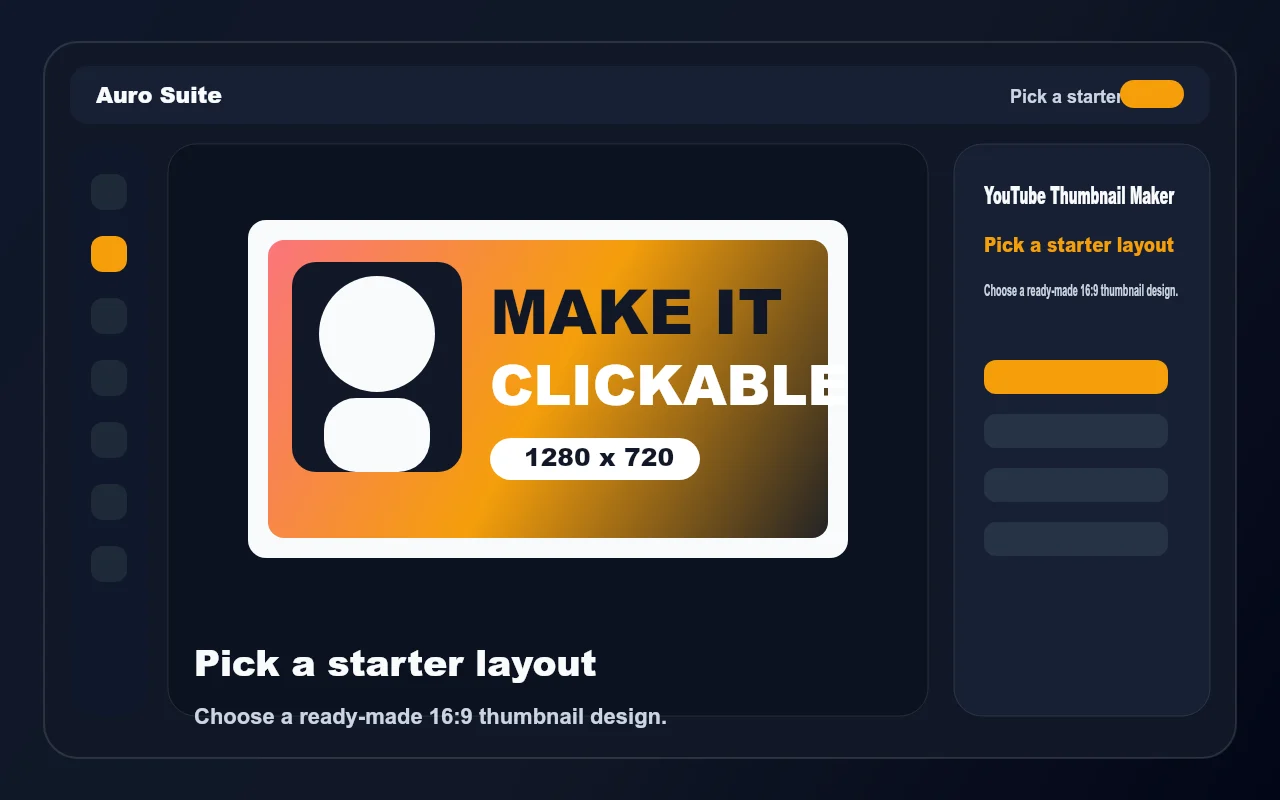
Pick a thumbnail layout
Choose a 1280×720 starter template built for YouTube covers, tutorials, reactions, gaming, podcasts, and product reviews.
YouTube thumbnail maker
Create a bold 1280×720 thumbnail in your browser with editable text, shapes, images, and ready-made layouts sized for YouTube.
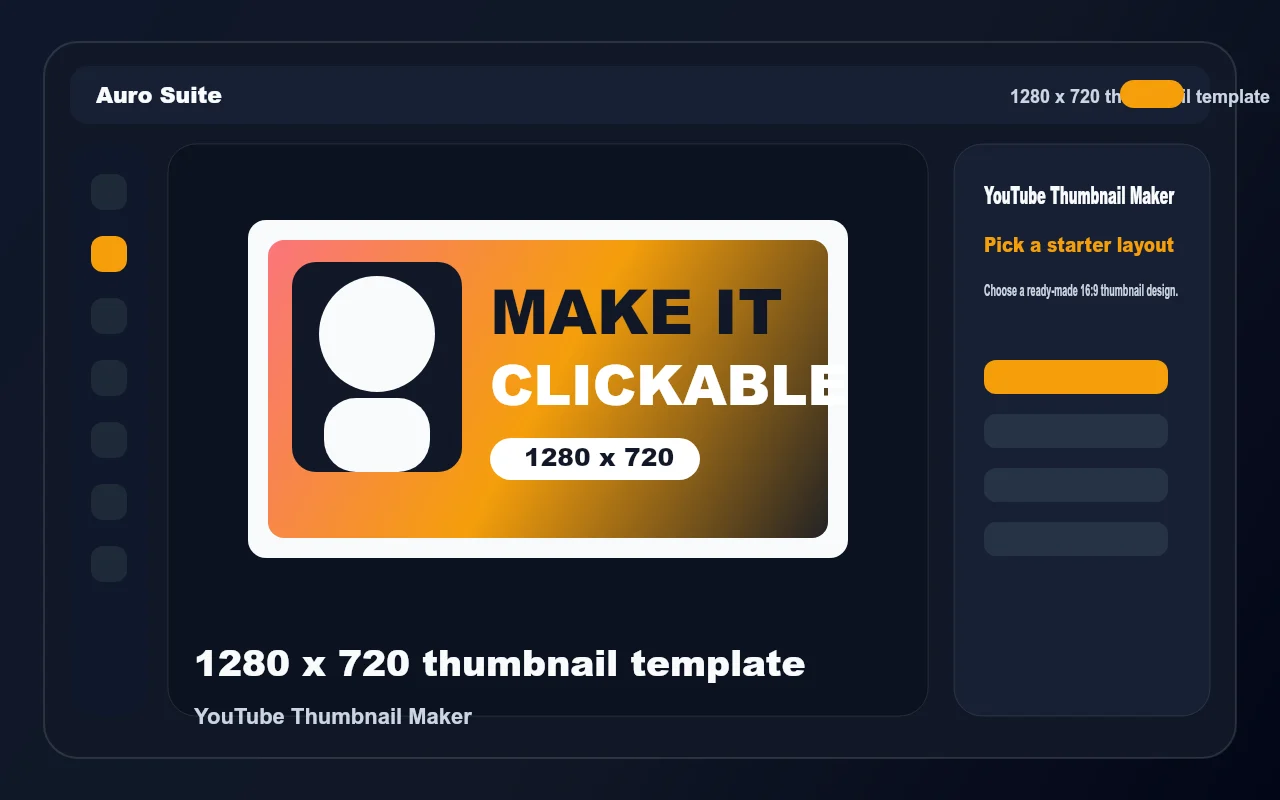
Start with a template, personalize the design, and export a thumbnail that is ready to upload.
Choose a 1280×720 starter template built for YouTube covers, tutorials, reactions, gaming, podcasts, and product reviews.
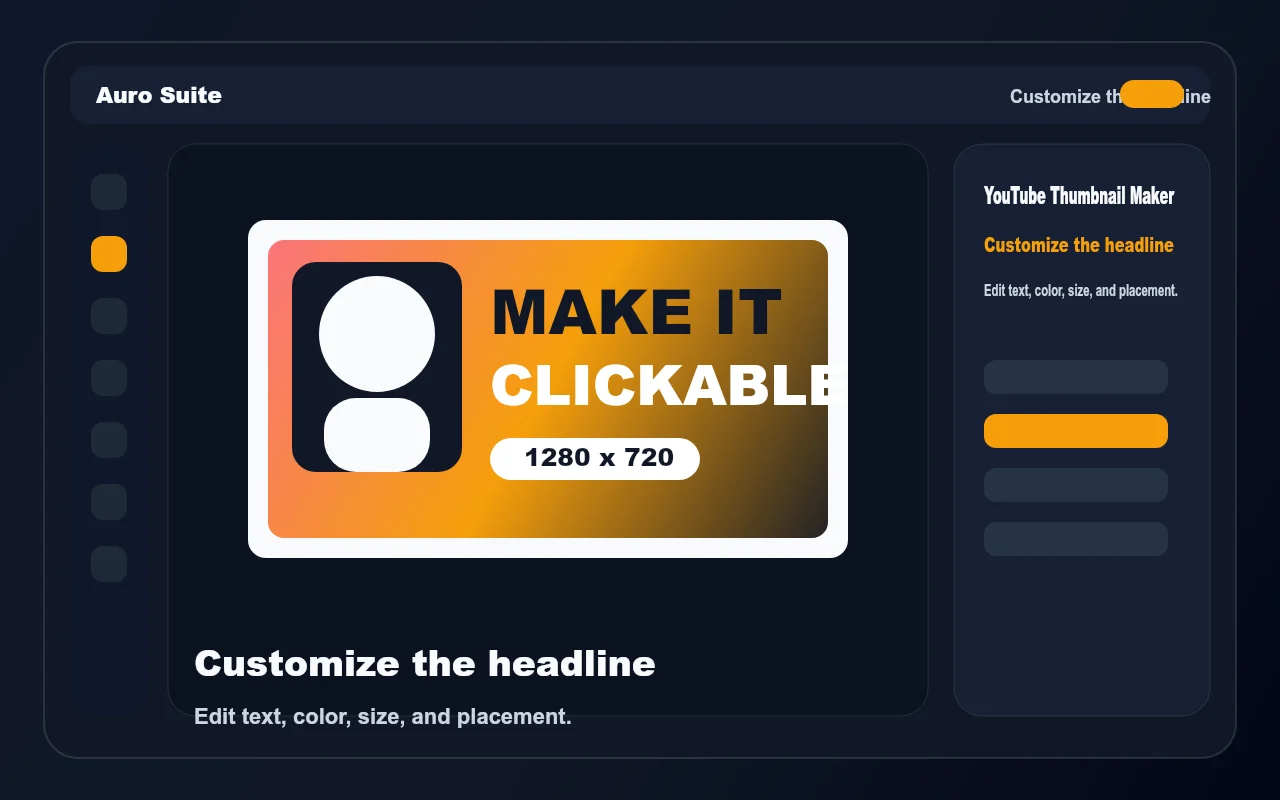
Edit the text layers, resize the title, and adjust colors so the thumbnail reads clearly on desktop and mobile.
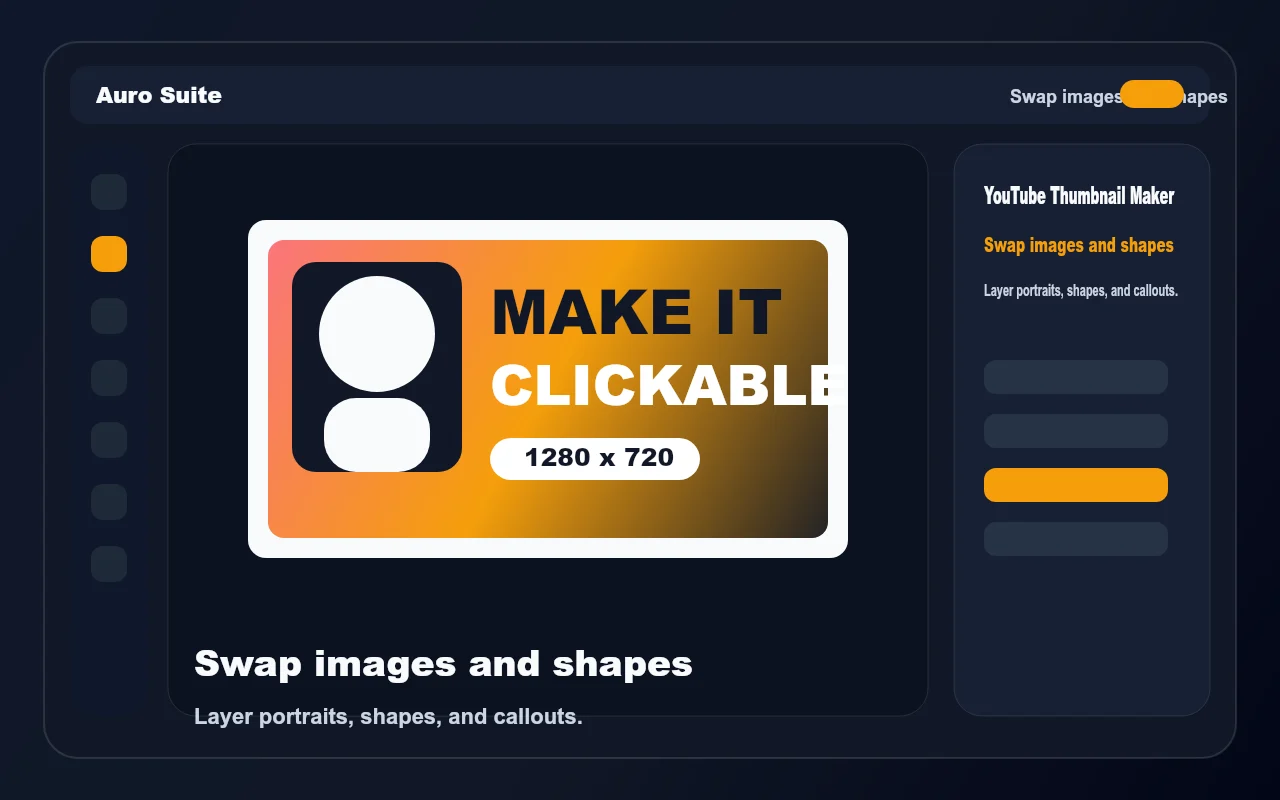
Add your own photo, cut out a subject, place shapes behind the title, and keep the layout balanced with layers.
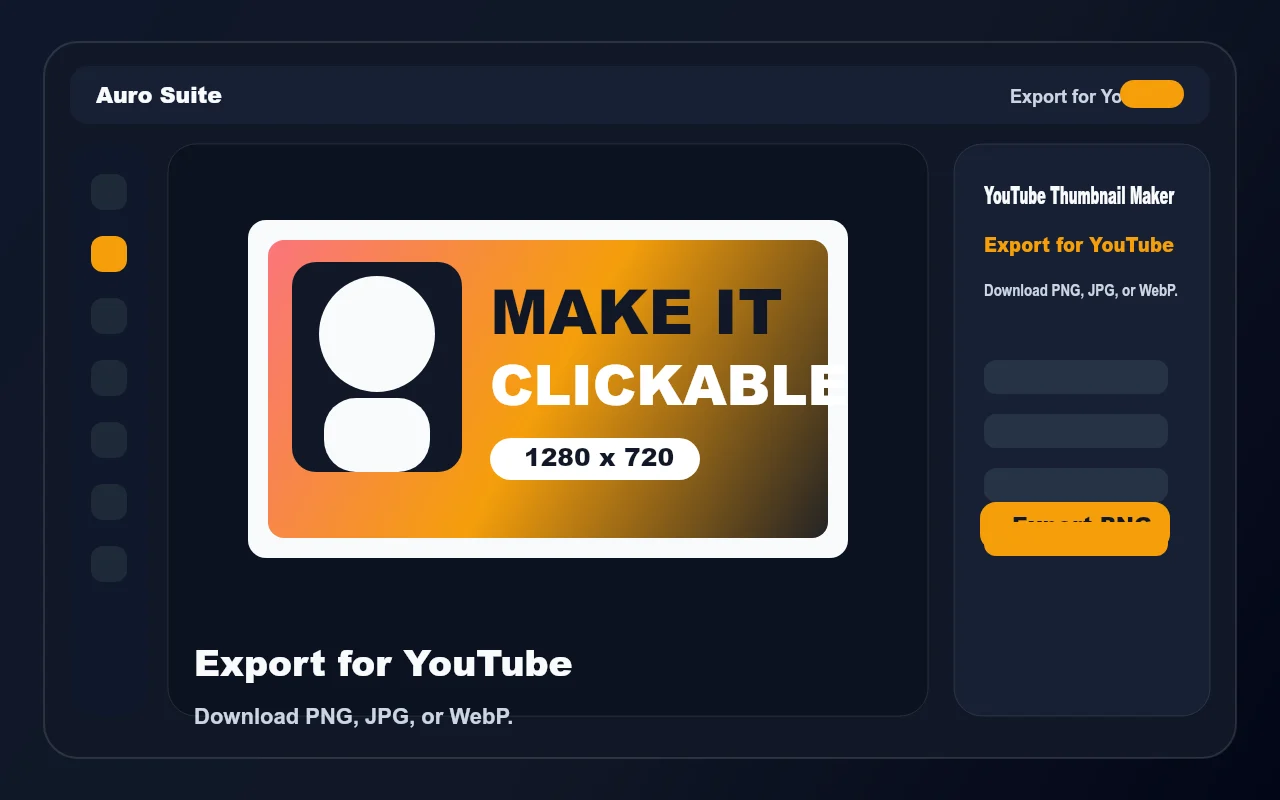
Download the finished thumbnail as PNG, JPG, or WebP and upload it with your video.
Pick a focused layout, then change the words, colors, and images inside the editor.
The workflow opens directly in the photo editor with the right size and template structure already prepared.
Every starter layout uses a 16:9 1280×720 canvas so you do not need to resize before upload.
Change headlines, colors, shapes, and images while keeping full control over the design.
Open the template in Auro Suite and finish the thumbnail without installing desktop software.
Download PNG, JPG, or WebP files from the editor for quick publishing.
YouTube recommends 1280×720 pixels with a 16:9 aspect ratio. These starter templates use that size by default.
Yes. Open a template, add or replace images, and arrange them with text and shapes in the photo editor.
Yes. The photo editor includes an AI Background Studio tool that can isolate a subject before you export.
No. The thumbnail workflow runs in your browser.
YouTube thumbnail maker