01
Open Clean Voice
Launch the podcast cleanup workflow in the audio editor to start with the right panel already open.
Podcast audio cleanup
Polish voice recordings with a Clean Voice workflow for denoise, de-essing, compression, normalization, silence removal, and MP3 export.
Import or record speech, apply the podcast preset, remove dead air, and export a polished voice track.
Launch the podcast cleanup workflow in the audio editor to start with the right panel already open.
Bring in a voice recording, podcast clip, interview, or narration track.
Use the voice preset to add light denoise, de-essing, compression, clarity EQ, and normalization.
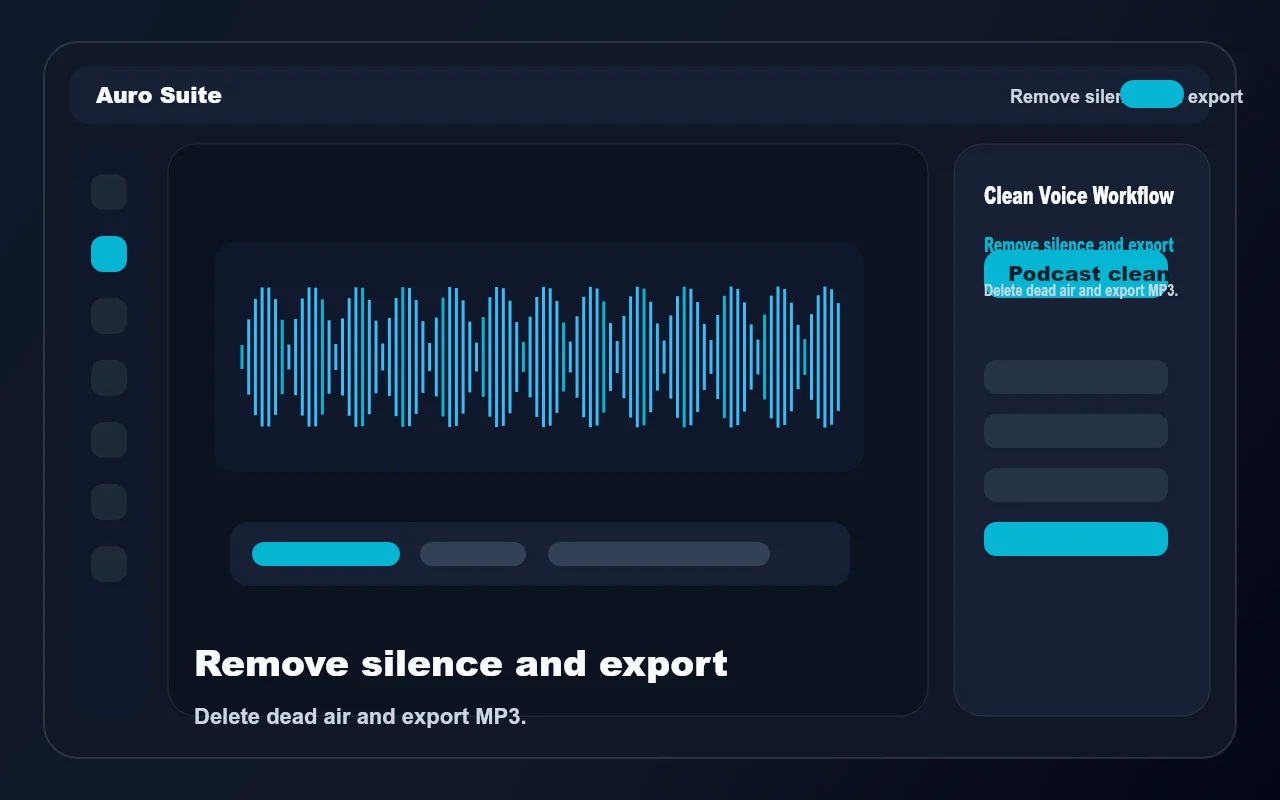
Delete dead air, export a podcast MP3 at -16 LUFS, or send the cleaned mix to the video editor.
The podcast workflow brings the common spoken-word cleanup steps into one guided audio editor panel.
Denoise, de-ess, compress, EQ, and normalize speech with one action.
Trim dead air from selected clips so conversations and narration feel tighter.
Export spoken-word audio with podcast-friendly loudness settings.
Send a cleaned voice mix into the video editor for shorts, clips, and social videos.
It applies a spoken-word chain with light denoise, de-essing, voice compression, clarity EQ, and normalization.
Yes. The workflow includes silence removal for selected clips.
Yes. The podcast export path targets spoken-word MP3 output at -16 LUFS.
Yes. You can send the polished mix to the video editor after cleanup.
Podcast audio cleanup